


NEWYou can now listen to Fox News articles!
If you own a smartphone, this moment eventually arrives. A warning pops up saying your storage is almost full. Photos stop syncing. Apps slow down. Suddenly, you are deleting emails, clearing messages and searching for anything that will free up space.
Many people hit this problem because their photos automatically back up to services like Google Photos or iCloud. Those services include a limited amount of free storage. Once it fills up, the solution is usually the same. Pay for more space.
Janice from Alabama recently wrote to us about this exact situation.
“My Google storage of 15 GB is almost used up, according to Google. I need to get my photos off my phone. How can I do this and keep access to them? I don’t want to delete them. I continually empty trash, delete emails, etc. I understand that this is a common problem with Google users on Android phones. Their answer is to purchase more storage space. I don’t appreciate being held hostage by Google. Any suggestions?”
Janice is far from alone. Millions of smartphone users face the same choice every year. Either pay monthly for more storage or move their photos somewhere else. The good news is that you can store your photos on a hard drive you own, keep access to them anytime and avoid ongoing subscription fees. Let’s walk through the easiest ways to do it.
YOUR IPHONE HAS A HIDDEN FOLDER EATING UP STORAGE SPACE WITHOUT YOU EVEN KNOWING
Sign up for my FREE CyberGuy Report
Get my best tech tips, urgent security alerts and exclusive deals delivered straight to your inbox. Plus, you’ll get instant access to my Ultimate Scam Survival Guide – free when you join my CYBERGUY.COM newsletter.
Method 1: Transfer photos from your phone to a computer
The simplest approach is to first copy your photos to a computer. After that, you can move them to an external hard drive.
For iPhones
Apple devices use a slightly different process. Instead of opening the phone like a storage device, you import photos through the Photos app on your computer.
On a Mac
- Connect your iPhone to your Mac using a USB cable (Lightning or USB-C, depending on your iPhone model)
- Unlock your iPhone if it is locked
- If prompted, tap Trust This Computer on your iPhone
- Open the Photos app on your Mac
- Select your iPhone under Devices in the sidebar
- Choose the photos or videos you want to transfer
- Click Import Selected or Import All New Items
The photos will download to your Mac’s photo library.
Another option: Use iCloud Photos
If you are signed into iCloud and iCloud Photos is enabled on your iPhone, your photos may already be syncing automatically. In that case, you can simply open Photos on your Mac or visit iCloud Photos in a browser on your desktop to access and download them without connecting your phone.
HOW TO HIDE PHOTOS ON YOUR IPHONE AND ANDROID FROM SNOOPS
For Android phones
Settings may vary depending on your Android phone’s manufacturer
- Connect your phone to your computer using a USB cable
- On your phone, choose File Transfer when prompted
- Open File Explorer on Windows or Finder on Mac
- Locate your phone under connected devices
- Open the DCIM or Pictures folder
- Copy the photos you want to save
Once copied, paste the files into a folder on your computer. This step gives you a full backup before moving them to a drive.
On Windows
- Connect your iPhone with a USB cable
- Unlock your phone and tap Trust This Computer
- Open the Photos app on Windows
- Choose Import from a USB device
Windows will copy your photos directly to your computer.
Method 2: Move the photos to an external hard drive
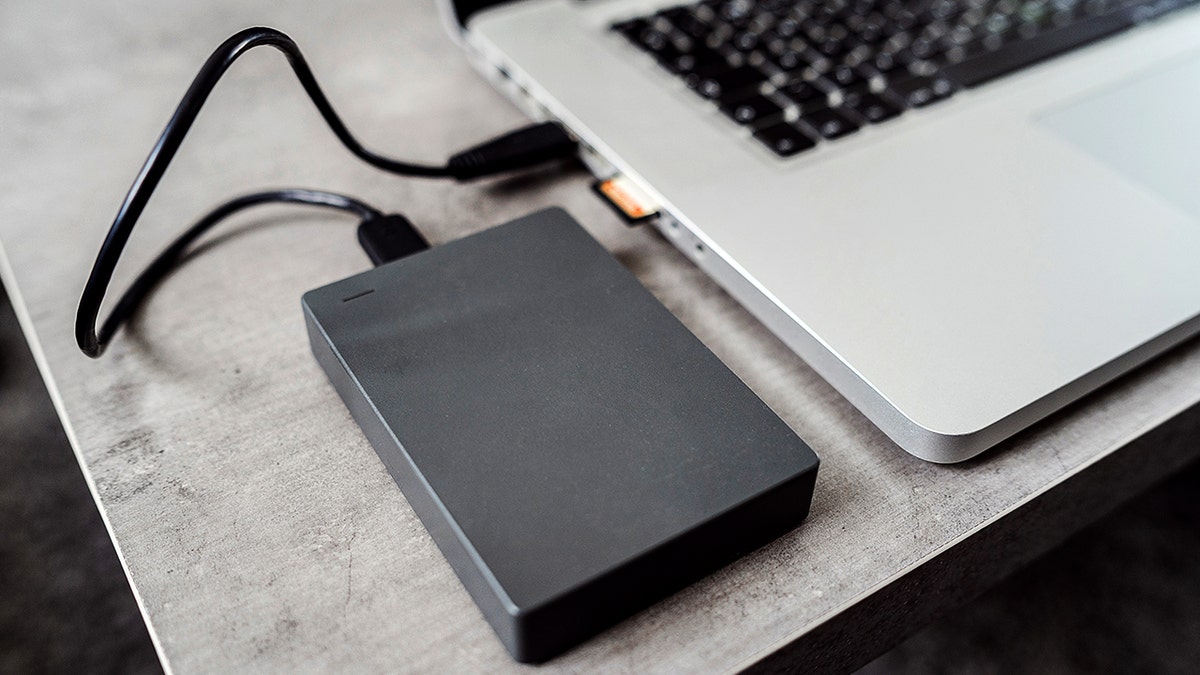
Once your photos are on your computer, transferring them to a hard drive is quick.
- Plug your external hard drive into your computer
- Open the drive in Finder or File Explorer
- Drag your photo folder onto the drive
- Wait for the files to finish copying
Now your photos are stored safely on a device you control. External drives can hold tens of thousands of photos, depending on the size of the drive. Check out our best external drives article at Cyberguy.com.
BEST WAYS TO SAVE YOUR PHONE’S PHOTOS BEFORE IT’S TOO LATE
Method 3: Transfer photos directly to a USB flash drive
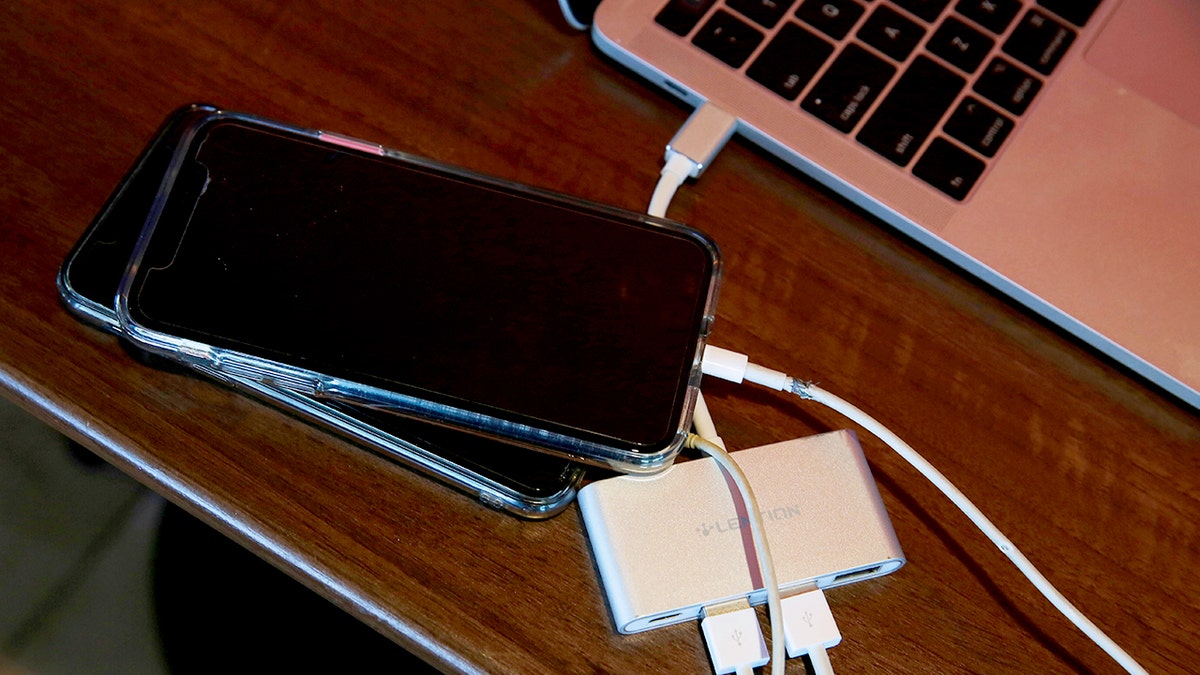
If you prefer skipping the computer, some flash drives plug directly into smartphones. These drives typically include:
- USB-C connectors for Android phones
- Lightning connectors for older iPhones
- USB-C connectors for iPhone 15 and newer models
After connecting the drive, open the companion app that comes with it. From there, you can move photos directly from your phone to the drive. This option works well when you need to free up space quickly. Be sure to explore our best flash drive recommendations at Cyberguy.com.
Method 4: Keep your photos organized
After transferring photos to a hard drive, spend a few minutes organizing them.
Create folders by:
Hard drives are reliable, but keeping a second backup ensures your memories stay protected if one drive ever fails.
Why this approach saves money
Cloud storage can feel inexpensive at first. Over time, the monthly charges add up. An external hard drive often costs less than a year or two of cloud storage fees. After that, the storage is essentially free. Even better, your photos stay under your control rather than sitting only on a company server.
Take my quiz: How safe is your online security?
Think your devices and data are truly protected? Take this quick quiz to see where your digital habits stand. From passwords to Wi-Fi settings, you’ll get a personalized breakdown of what you’re doing right and what needs improvement. Take my Quiz here: Cyberguy.com.
Kurt’s key takeaways
Janice asked a question many people quietly wonder about. Do we really need to keep paying companies just to store our own memories? Fortunately, the answer is no. With a simple cable and an affordable hard drive, you can free up phone storage, keep every photo you want and avoid ongoing storage fees. Once you try it, the process becomes fast and routine.
So here is something worth thinking about. If your phone holds years of photos and videos, should those memories live only on a company’s cloud server or somewhere you fully control? Let us know by writing to us at Cyberguy.com.
Sign up for my FREE CyberGuy Report
Get my best tech tips, urgent security alerts and exclusive deals delivered straight to your inbox. Plus, you’ll get instant access to my Ultimate Scam Survival Guide – free when you join my CYBERGUY.COM newsletter.
Copyright 2026 CyberGuy.com. All rights reserved.
Read the full article here


